On September 24th, Shiro released a must-have mod for the live version of Paladins that adds replay replay functionality to the game.
You can download the mod from our Discord server. Once you join, just click on the link below.
Release announcement on Discord
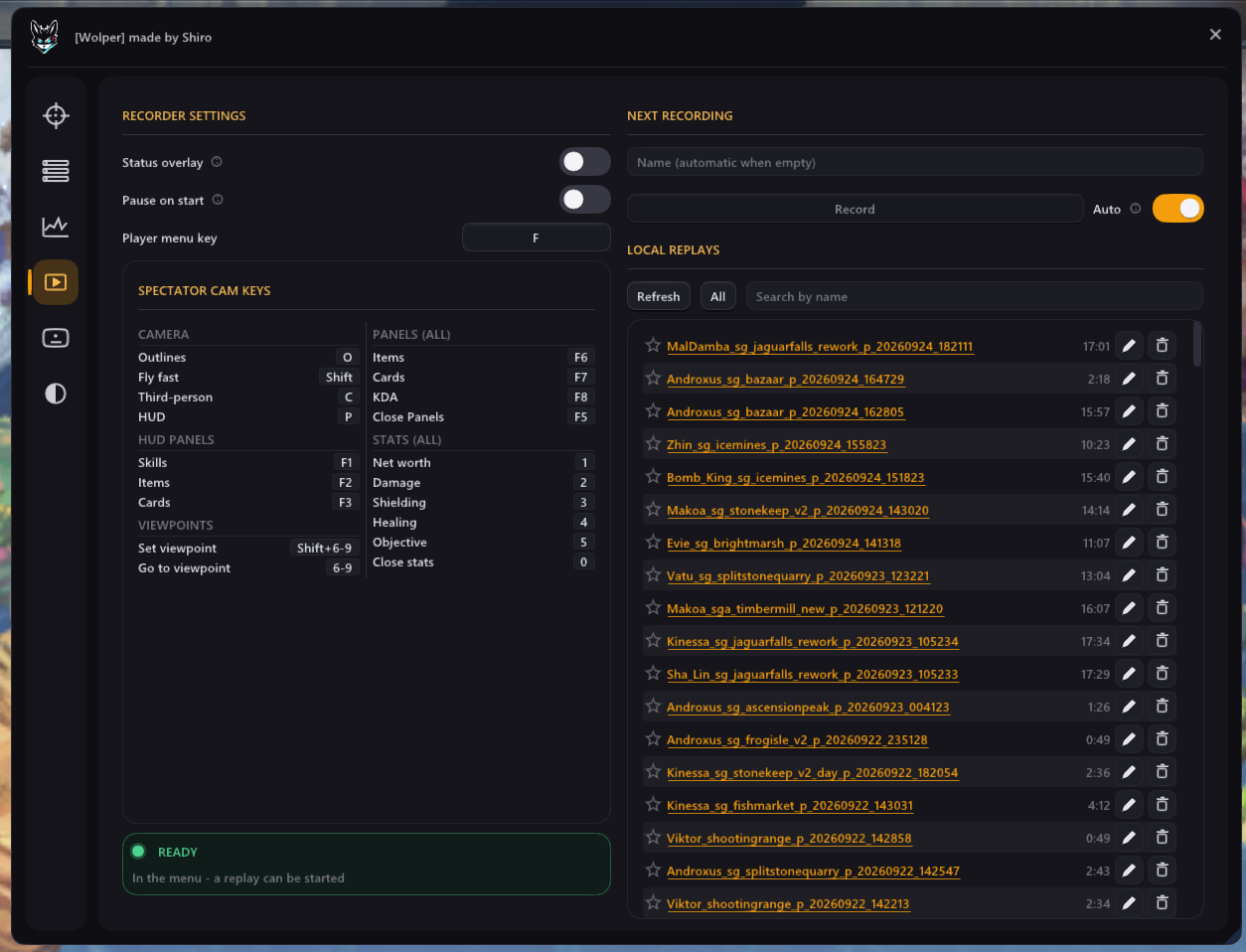
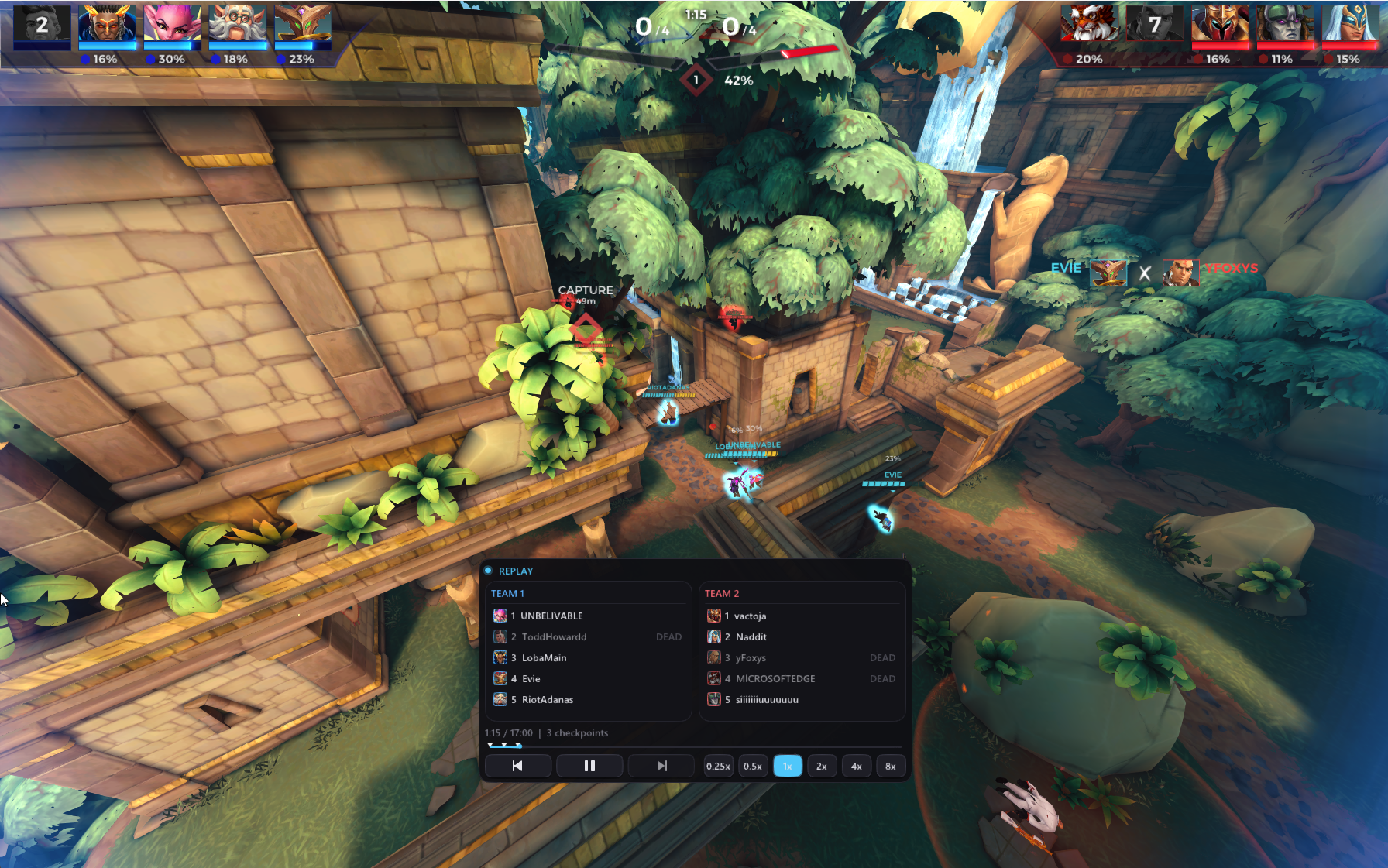
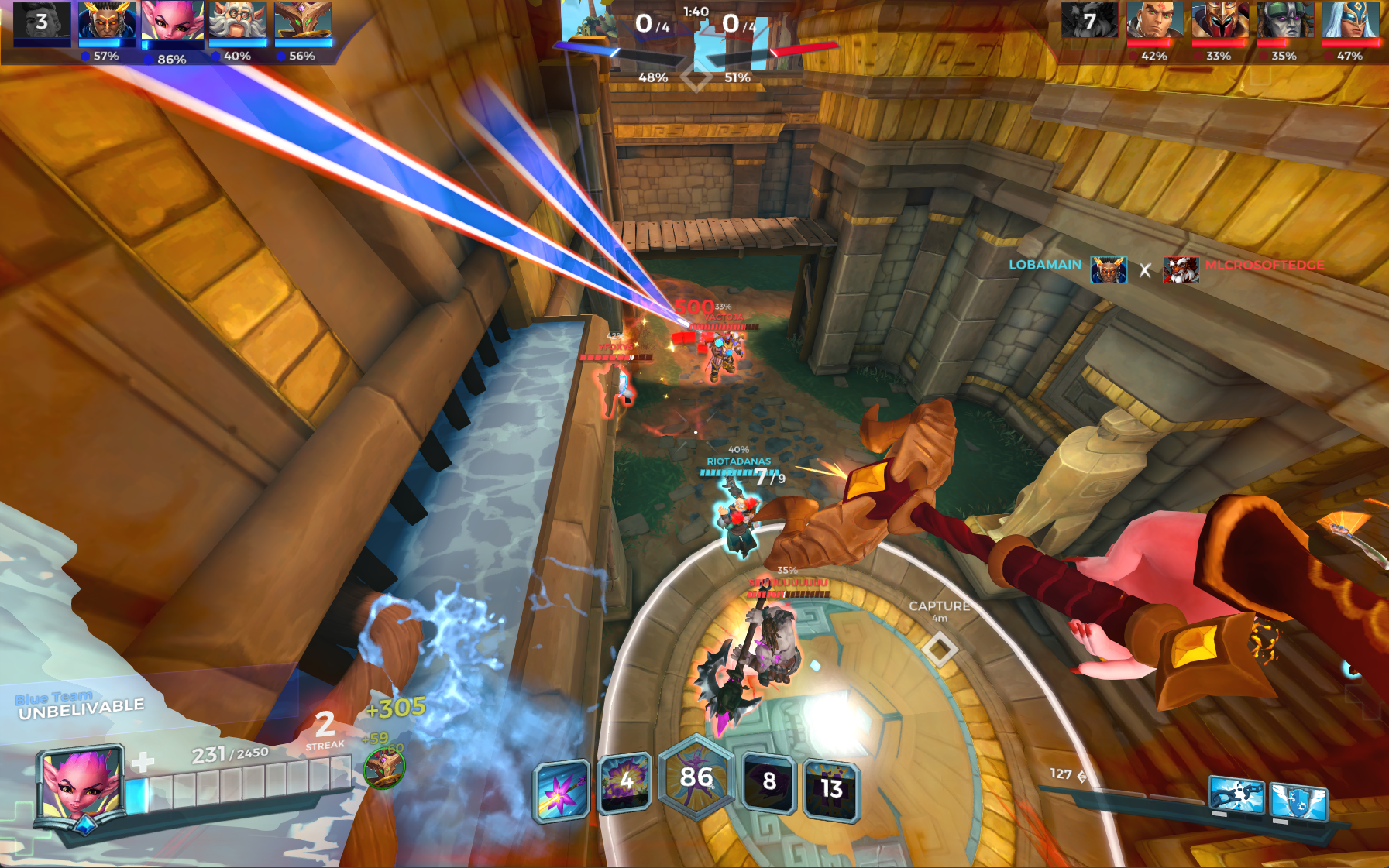
This is a mod to be able to locally report games (ranked, casual, shooting range, custom, whatever gamemode) and be able to replay it.
- Only recorded games can be rewatched.
- Once a game is recorded, it's replayable until you delete the file manually.
- All recordings are stored locally and can be watched through the menu.
- It's also possible to send those files to others for them to replay them.
- Since it's still an early build, bugs can occur (like sound bugs, animation bugs, projectiles being stuck in walls, crashes, etc.)
- All normal spectator key-binds work normally.
- Pressing spacebar during a replay shows a little control menu. That key-bind can be changed as you like.
- This mod CAN have a performance impact. However it is map dependent. On Ascension Peak I'm experiencing a 25% fps loss, on Stone Keep it's less than 5%.
- File size is approximately 10mb for a 20 minute game
This can be used together with other WOLPER mods from me. They all share one UI, so if you are using multiple mods, you don't have to bother with multiple UIs. The default keybind for the UI is the
left ALTkey.Only DX11 works, DX9 is not supported! *only compatible with other version 3.X.X products. If you run an Scoreboard, it won't work properly
28.09: Update to 3.1.0
- Shiro (via Discord forum announcement)
Video
Special thanks to took4ever for making a great video guide on how to install and use this mod. Check it out if you need a walkthrough.
Screenshots